
AI Automation
AI Automation for Small Business: What Should You Automate First?
Learn which repetitive tasks small businesses should automate first, where AI adds value, what to avoid, and how to measure a practical first workflow.
On this page
Quick answer
The best task to automate first is usually a repetitive process that takes time, follows clear rules, and creates little value when completed manually.
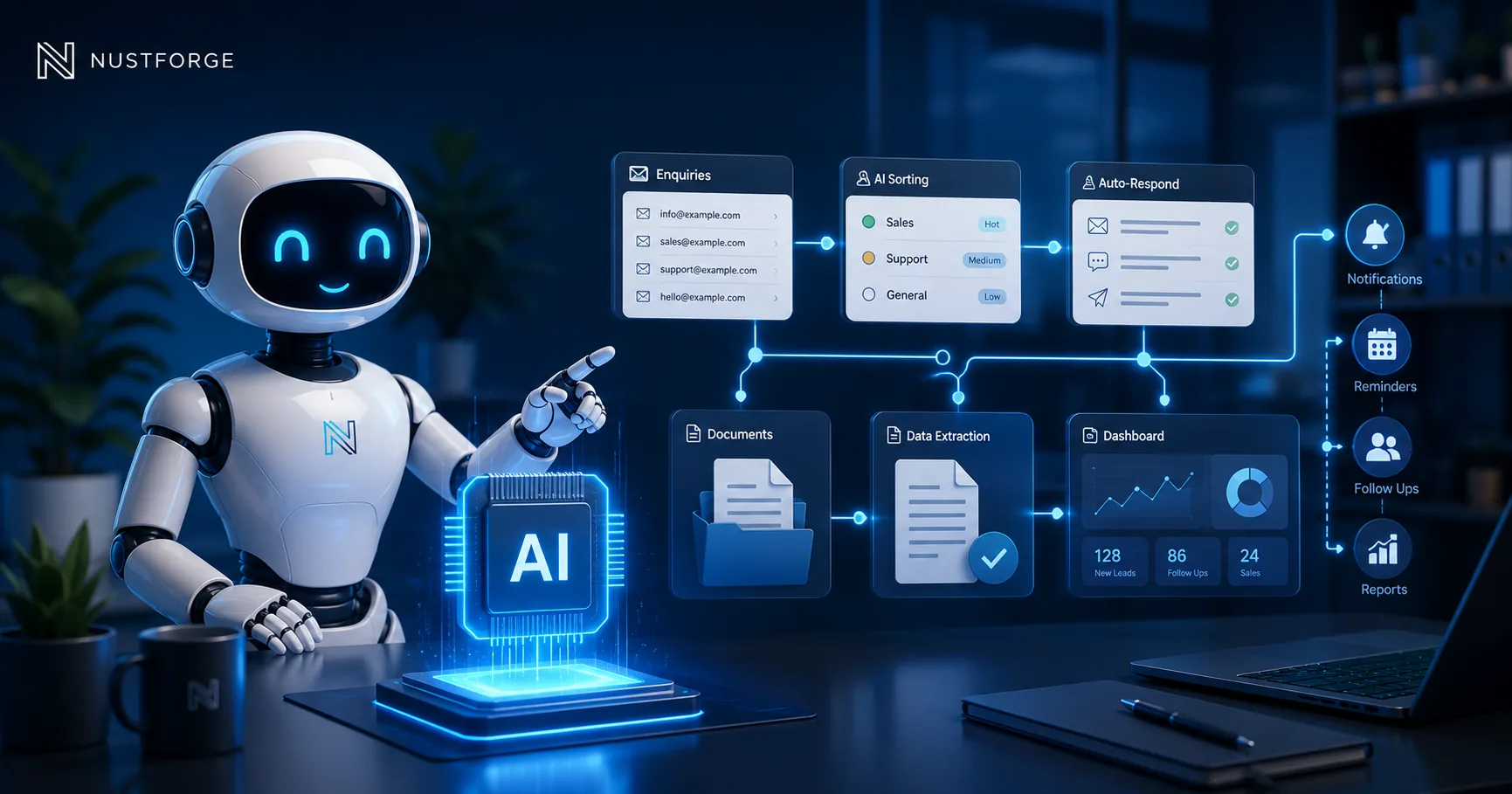
Good starting points include enquiry sorting, document extraction, customer follow-ups, internal notifications, report preparation, content organisation, data entry, and frequently asked questions.
Do not begin by trying to automate your entire business. Start with one workflow that is easy to understand, measure, review, and improve.
What AI automation actually means
AI automation combines software workflows with AI-assisted capabilities such as text classification, information extraction, summarisation, content generation, document understanding, and conversational assistance.
A normal automation follows fixed rules. For example, when a form is submitted, it creates a record and sends an email. AI can add another layer by understanding the message, identifying its category, extracting important details, and suggesting the next action.
The strongest systems usually combine clear business rules with carefully controlled AI features instead of depending entirely on unpredictable generated output.
Start with repetitive administrative work
Administrative tasks are often a practical first target because they consume time but usually follow a recognisable process.
Examples include copying enquiry details into a dashboard, categorising support messages, preparing weekly summaries, organising uploaded documents, creating internal tasks, updating statuses, and notifying the right team member.
Automating these steps can reduce repeated data entry, improve consistency, and give staff more time for customer service, sales, planning, and decision-making.
Automate customer enquiries carefully
AI can help review incoming enquiries, identify the requested service, detect urgency, summarise the message, and prepare a suggested response.
A business may also use a knowledge-based chatbot to answer common questions about services, availability, processes, or account information.
Important or unusual enquiries should still reach a person. The goal is to reduce repetitive work while keeping appropriate human review for pricing, commitments, complaints, sensitive situations, and complex decisions.
Use AI for documents and internal knowledge
Businesses often store useful information across files, emails, policies, proposals, reports, and internal documents. Finding the correct information manually can become slow as the business grows.
An AI-assisted document workflow can extract fields, identify document types, summarise content, highlight missing information, and make approved internal knowledge easier to search.
Access controls, data protection, source verification, and human review should be planned before sensitive business information is connected to an AI system.
Choose a workflow you can measure
Before building an automation, define the current process, the people involved, the time it takes, common mistakes, approval points, and the result you want to improve.
Useful measurements may include time saved, fewer manual updates, faster response times, reduced duplication, fewer missed tasks, and improved visibility.
If the workflow cannot be clearly explained, it is usually too early to automate it. Simplify the process first, then introduce automation in controlled stages.
What not to automate first
Avoid beginning with high-risk decisions, unclear processes, sensitive customer situations, or workflows that change every week.
AI should not independently make legal, medical, financial, safety, hiring, or similarly important decisions without qualified human oversight and appropriate safeguards.
It is also risky to connect many systems at once before testing one reliable workflow. A smaller first version is easier to validate, secure, support, and improve.
How NUSTFORGE helps
NUSTFORGE helps businesses review manual processes and identify practical opportunities for AI tools, workflow automation, dashboards, document processing, internal assistants, and API-connected systems.
We plan the business rules, data flow, human review points, permissions, integrations, error handling, and measurable outcome before development begins.
The goal is not to add AI for appearance. The goal is to build a controlled system that reduces repetitive work and supports real business operations.
Continue reading
Related software guides.
Business Automation
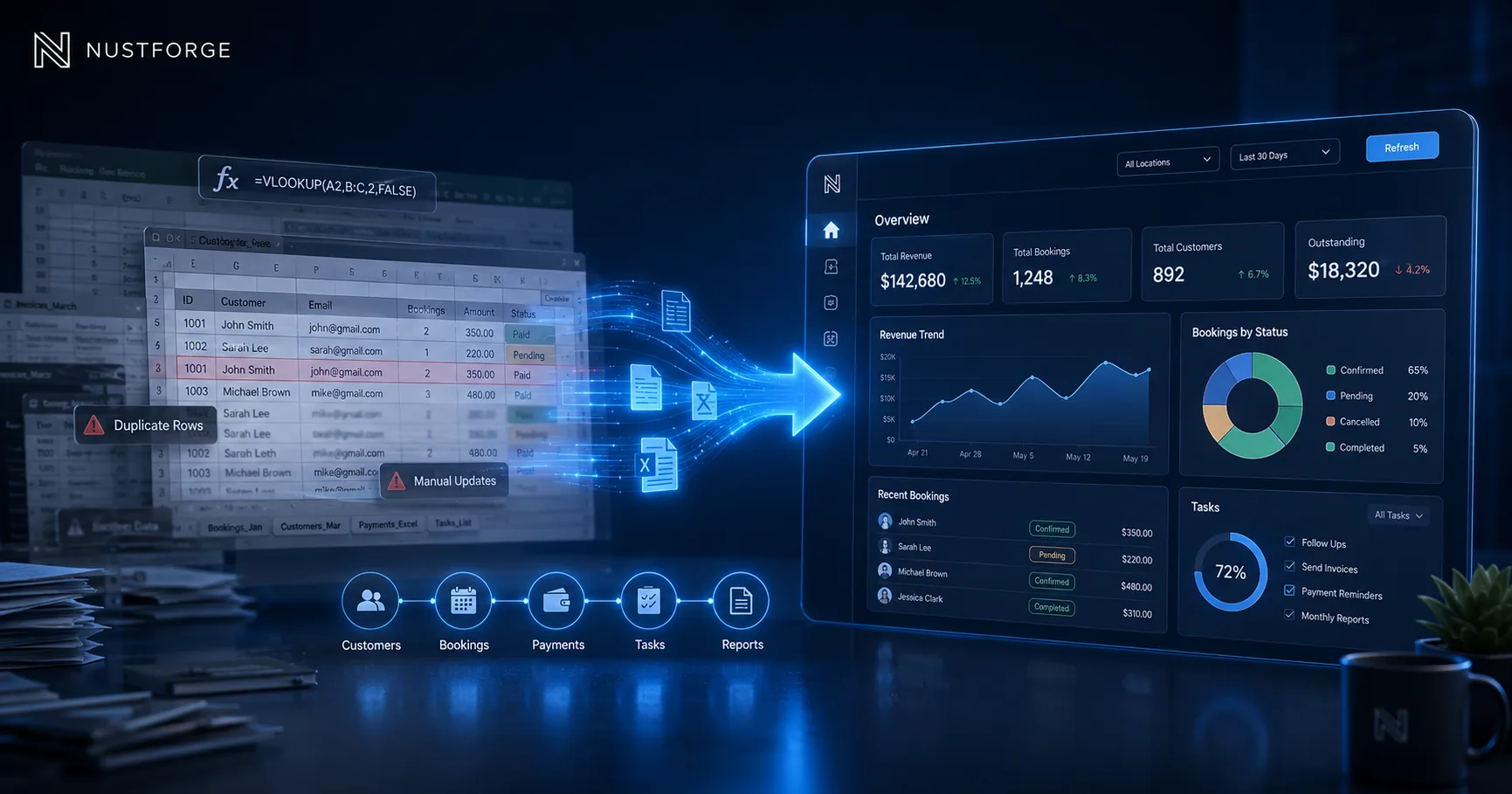
When Should Your Business Move from Spreadsheets to a Dashboard?
Learn when spreadsheets become risky and when a custom dashboard, portal, or internal tool can improve reporting, workflows, and team visibility.
Read article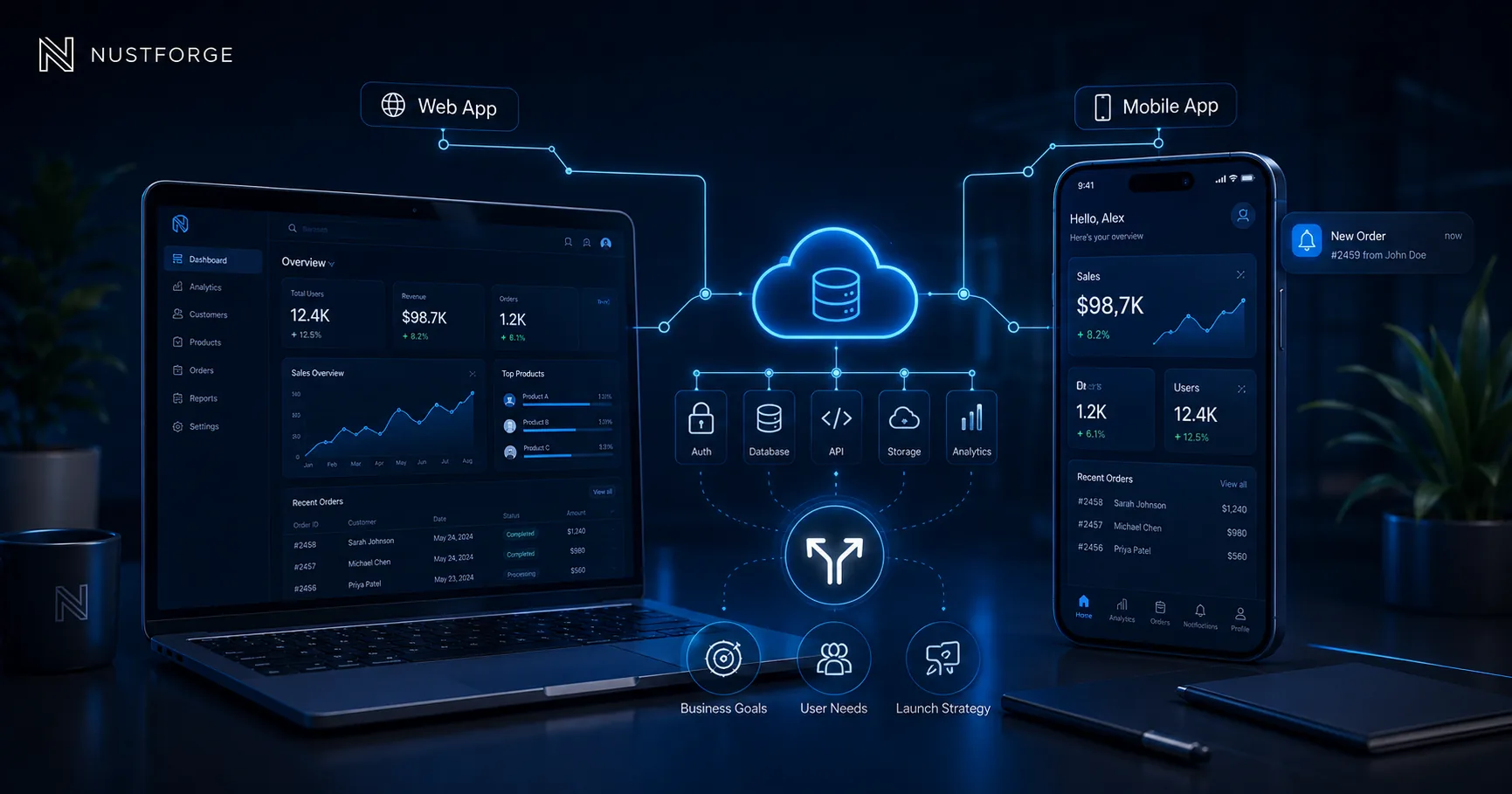
Mobile App Development
Web App vs Mobile App: Which Should Your Business Build First?
Compare web apps and mobile apps by access, features, cost, launch speed, and user behaviour before deciding what your business should build first.
Read article
Software Planning
What Does Custom Software Development Cost in 2026?
See what drives custom software development cost in 2026, including features, user roles, integrations, infrastructure, timeline, and support.
Read articlePlan your first automation
Have a repetitive workflow worth improving?
Share one manual process with NUSTFORGE and we can help identify a practical, controlled first automation.