
Business Automation
When Should Your Business Move from Spreadsheets to a Dashboard?
Learn when spreadsheets become risky and when a custom dashboard, portal, or internal tool can improve reporting, workflows, and team visibility.
On this page
Quick answer
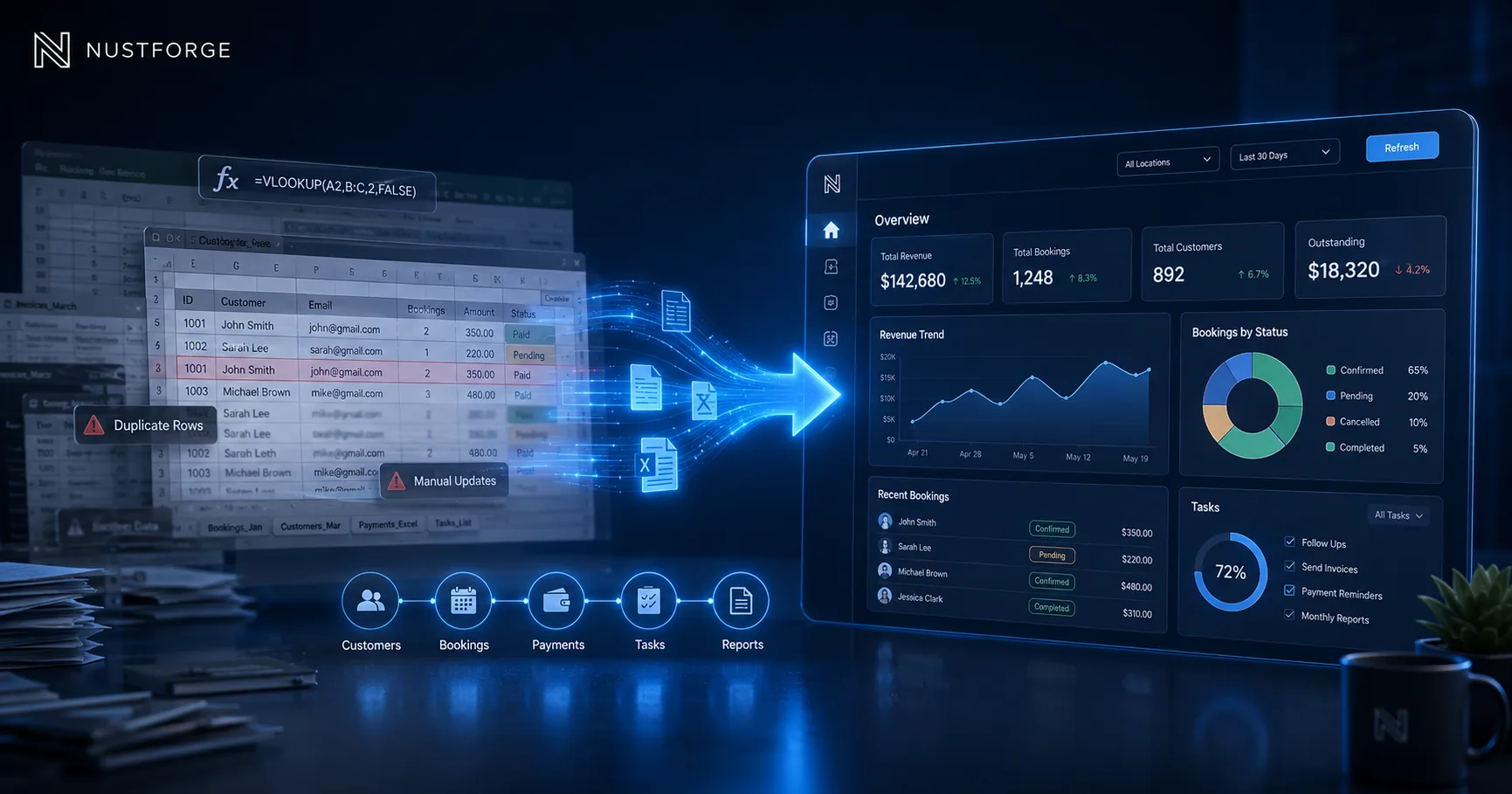
Your business should move from spreadsheets to a dashboard when your team spends too much time updating data manually, searching for information, fixing repeated mistakes, or asking for the same reports again and again.
Spreadsheets are useful at the beginning. But when your business starts handling more customers, bookings, orders, staff, payments, inventory, invoices, service requests, files, approvals, or reports, a dashboard can make operations clearer and faster.
A good dashboard does not just look nice. It helps business owners, managers, and teams see what is happening, take action, reduce mistakes, and reduce manual work.
Signs your spreadsheet system is becoming a problem
If your team has multiple spreadsheet versions, duplicate data, missing updates, broken formulas, or unclear ownership, the system is already becoming risky.
Another warning sign is when only one person understands how the spreadsheet works. If that person is unavailable, the business slows down.
Spreadsheets also become difficult when you need permissions, audit history, automated notifications, customer access, payment tracking, file uploads, API integrations, or real-time reporting.
What a business dashboard can do
A dashboard can bring important business data into one place. It can show bookings, orders, customers, payments, tasks, invoices, stock levels, staff activity, files, approvals, or performance metrics.
Dashboards can also include admin controls, filters, search, status updates, reports, role-based access, exports, notifications, automations, and integrations with other tools.
Instead of manually collecting information from different files, chats, and spreadsheets, your team can use one structured system built around the way your business works.
When a dashboard is better than a spreadsheet
A dashboard is better when your process has repeated steps, multiple users, sensitive data, status tracking, approvals, customer records, or reporting needs.
For example, a service business may need to track leads, bookings, jobs, payments, staff assignments, customer messages, documents, and follow-ups. A spreadsheet can manage this at first, but it becomes harder as the business grows.
A dashboard is also better when you want fewer mistakes, clearer visibility, faster decisions, and a more professional way to manage operations.
What to build first
The best first version should focus on the most painful workflow. Do not build every possible feature immediately.
Start with the core records your business needs to manage, such as customers, bookings, orders, projects, invoices, payments, staff, inventory, documents, or service requests.
Then add simple actions like create, update, search, filter, assign, approve, export, notify, and report. Once the core workflow is stable, more advanced automation or AI-assisted features can be added.
How NUSTFORGE helps
NUSTFORGE helps businesses turn messy spreadsheets, WhatsApp workflows, and manual operations into clean dashboards, portals, automation systems, and custom software.
Before development starts, we help understand your workflow, required features, timeline, integrations, user roles, automation opportunities, and the best system structure.
The goal is to build software that supports real business operations, not just a dashboard that looks good in screenshots.
Continue reading
Related software guides.
AI Automation
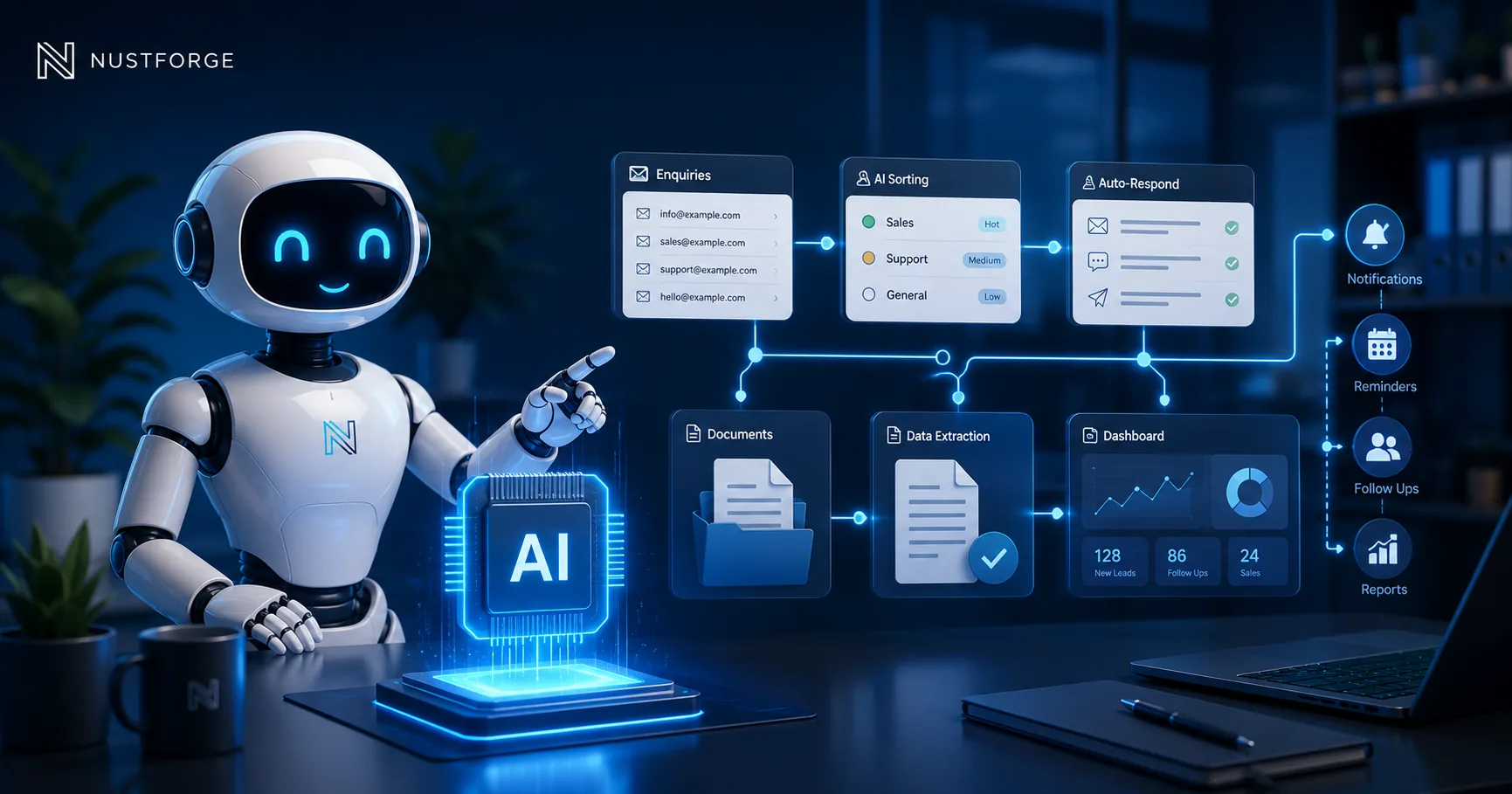
AI Automation for Small Business: What Should You Automate First?
Learn which repetitive tasks small businesses should automate first, where AI adds value, what to avoid, and how to measure a practical first workflow.
Read article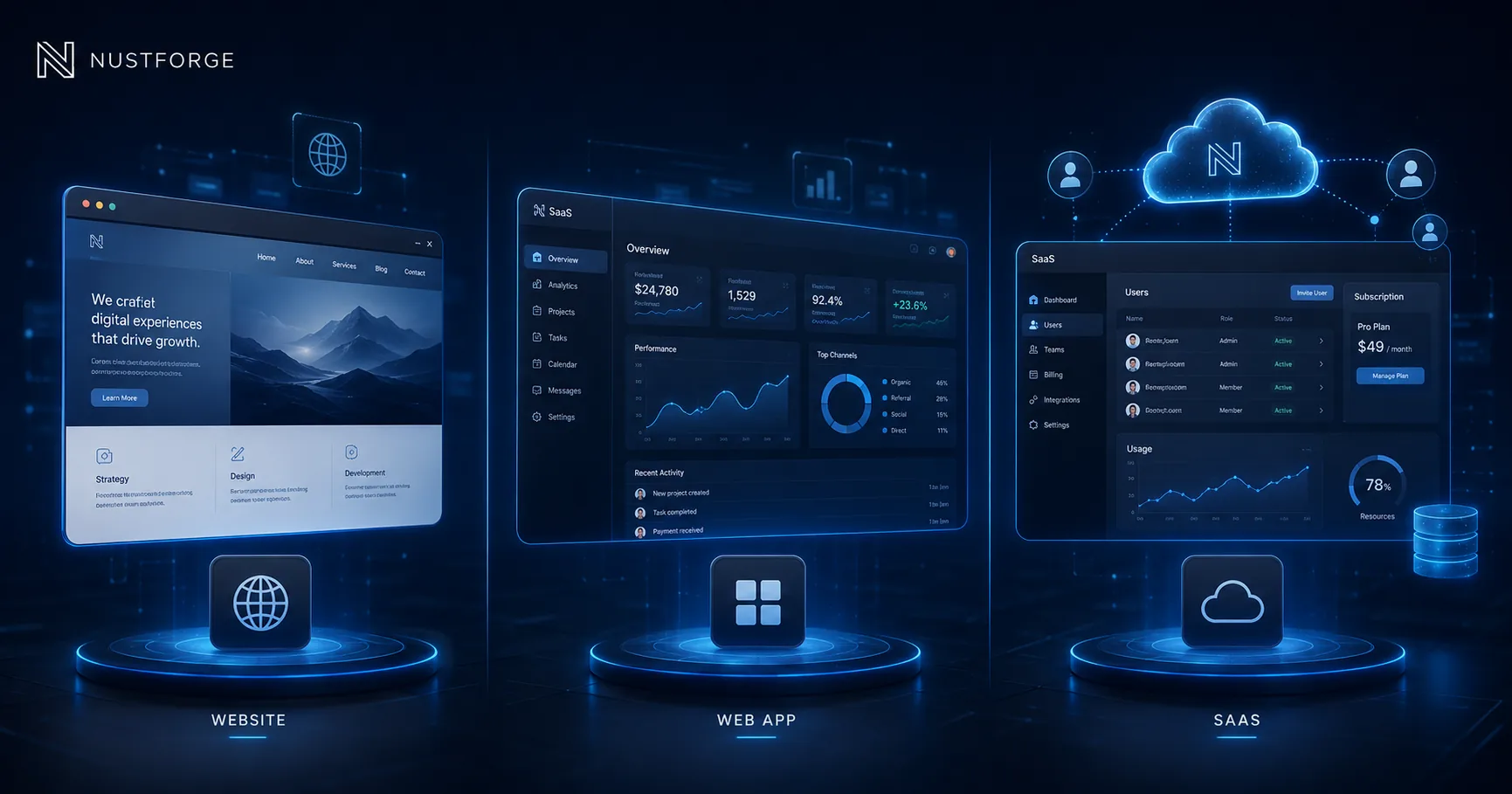
Business Software
Website vs Web App vs SaaS: Which One Do You Need?
Compare business websites, web apps, and SaaS platforms by purpose, users, features, complexity, and growth stage before choosing what to build.
Read article
Software Planning
What Does Custom Software Development Cost in 2026?
See what drives custom software development cost in 2026, including features, user roles, integrations, infrastructure, timeline, and support.
Read articleReplace manual operations
Is your team outgrowing spreadsheets?
Share the records, reports, approvals, or repeated tasks causing problems and NUSTFORGE can help plan a focused dashboard or portal.