
Software Planning
What Does Custom Software Development Cost in 2026?
See what drives custom software development cost in 2026, including features, user roles, integrations, infrastructure, timeline, and support.

On this page
Quick answer
There is no single price for custom software because cost depends on the problem being solved, the number of features, user roles, design requirements, integrations, data, security, infrastructure, timeline, and long-term support.
A focused business website or small internal tool costs less than a multi-tenant SaaS platform, marketplace, mobile application, or enterprise workflow system.
The most reliable way to estimate a project is to define the first useful version, confirm responsibilities and dependencies, and separate essential features from later improvements.
Why software estimates vary
Two projects may look similar from the outside but require very different work behind the interface.
A simple booking form is different from a booking platform with customer accounts, staff schedules, payments, cancellations, notifications, admin controls, reporting, and multiple locations.
A realistic estimate considers both visible screens and the less visible work involving databases, permissions, business rules, integrations, testing, deployment, security, and maintenance.
The type of product affects the cost
A business website normally focuses on content, design, credibility, search visibility, enquiries, performance, and easy content management.
A web app or dashboard adds interactive workflows, accounts, records, filters, reports, permissions, file handling, and operational tools.
A SaaS platform may require multiple organisations, subscriptions, billing, role-based access, tenant separation, onboarding, administration, analytics, support tools, and scalable infrastructure.
Mobile applications may also require Android and iOS testing, app-store preparation, push notifications, device permissions, offline behaviour, and mobile-specific release management.
Features and user roles add complexity
Every additional workflow can affect the database, interface, permissions, testing, and administration of the system.
A platform for one administrator is simpler than a system used by customers, staff, managers, contractors, partners, and platform administrators with different access levels.
Features such as payments, subscriptions, messaging, document uploads, approvals, audit history, notifications, exports, maps, AI tools, and third-party integrations should be estimated according to their real operational requirements.
Design and content also matter
A project using an established design system and prepared content can move faster than one requiring complete brand direction, custom illustration, animation, copywriting, photography, and extensive content planning.
Responsive behaviour must also be considered. A dashboard designed for desktop users may require different decisions from a customer product used mainly on mobile devices.
Good planning reduces unnecessary redesign by confirming page structure, user journeys, content needs, and important interactions before full development.
Third-party and infrastructure costs
Custom software may rely on hosting, domains, databases, storage, authentication, email, SMS, payments, maps, analytics, AI providers, document services, and external APIs.
Some services charge monthly fees, usage-based fees, transaction charges, or separate development and production costs.
These costs should be identified early so the business understands both the initial development investment and the expected operating cost after launch.
How to control the first-version budget
Start with the smallest version that solves the central business problem and can be tested with real users.
Prioritise the required workflow, essential user roles, core records, administration, and the integrations needed for launch.
Features such as advanced analytics, extensive automation, additional user types, mobile applications, complex AI features, and secondary integrations can often be planned as later phases.
A phased roadmap does not mean building a weak product. It means protecting the budget while creating a foundation that can grow.
What a professional estimate should explain
A useful estimate should describe the assumed scope, deliverables, exclusions, client responsibilities, timeline, payment structure, third-party dependencies, and process for handling changes.
Very low estimates may exclude important work such as testing, administration, deployment, responsive behaviour, security, documentation, or support.
A clear estimate helps both sides understand what is being built and reduces confusion after development starts.
How NUSTFORGE helps
NUSTFORGE reviews your business goal, users, workflow, features, integrations, timeline, content, technical requirements, and future plans before recommending a build approach.
We help separate the essential first version from later phases and identify the areas most likely to affect cost, delivery, and technical risk.
The result is a clearer scope for a website, app, SaaS platform, dashboard, booking system, e-commerce product, AI tool, automation workflow, or custom software system.
Continue reading
Related software guides.
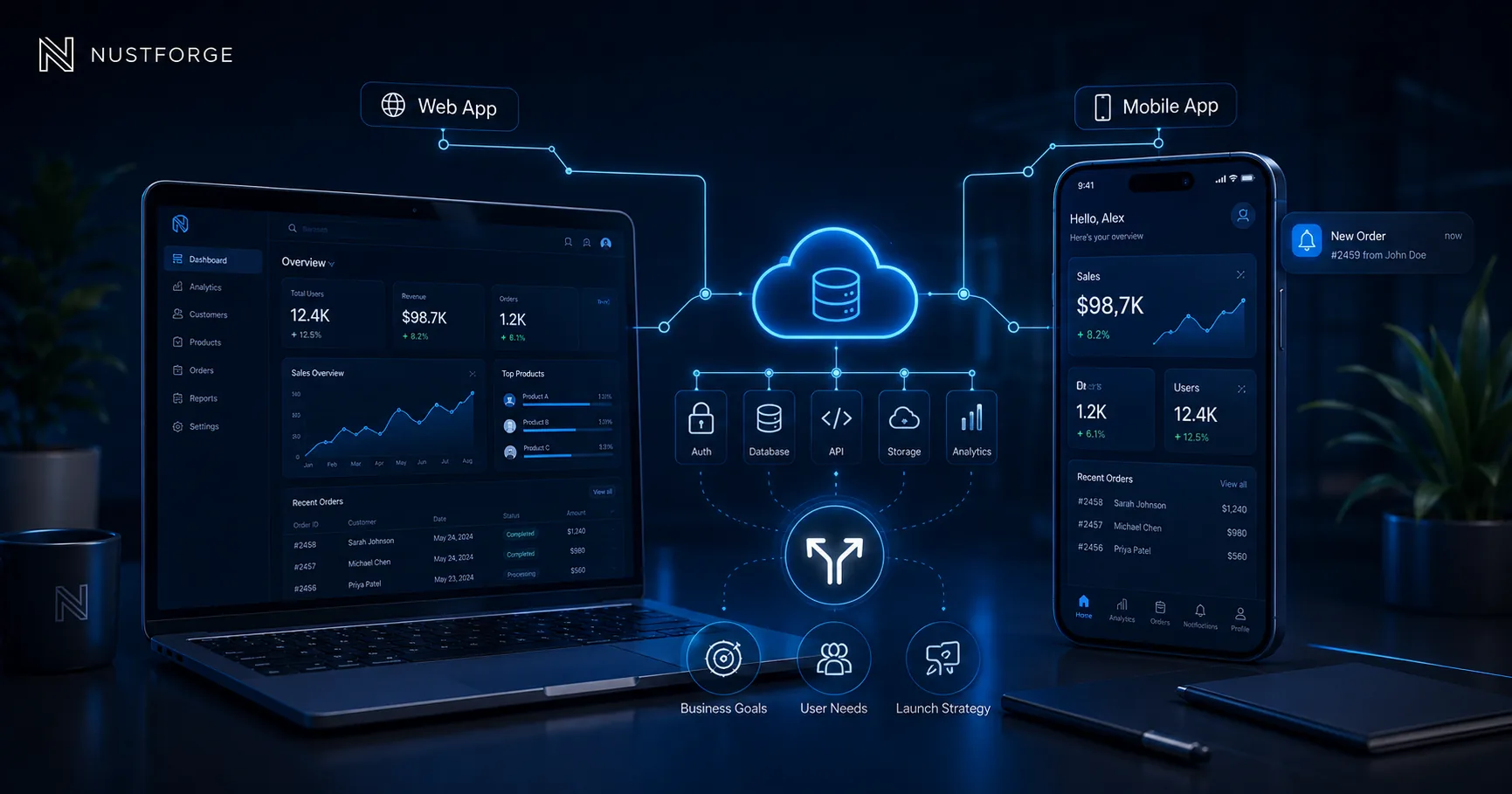
Mobile App Development
Web App vs Mobile App: Which Should Your Business Build First?
Compare web apps and mobile apps by access, features, cost, launch speed, and user behaviour before deciding what your business should build first.
Read article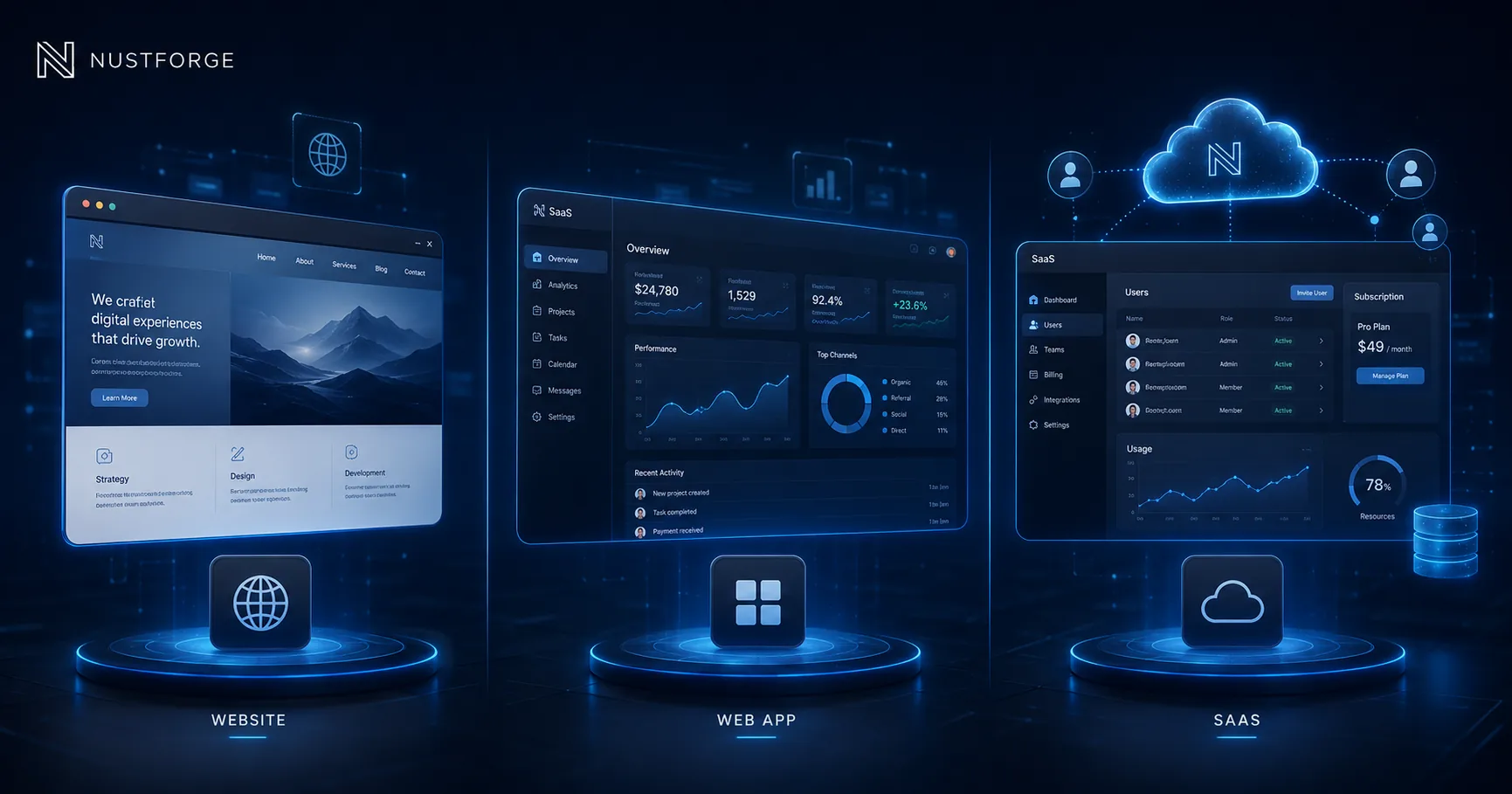
Business Software
Website vs Web App vs SaaS: Which One Do You Need?
Compare business websites, web apps, and SaaS platforms by purpose, users, features, complexity, and growth stage before choosing what to build.
Read article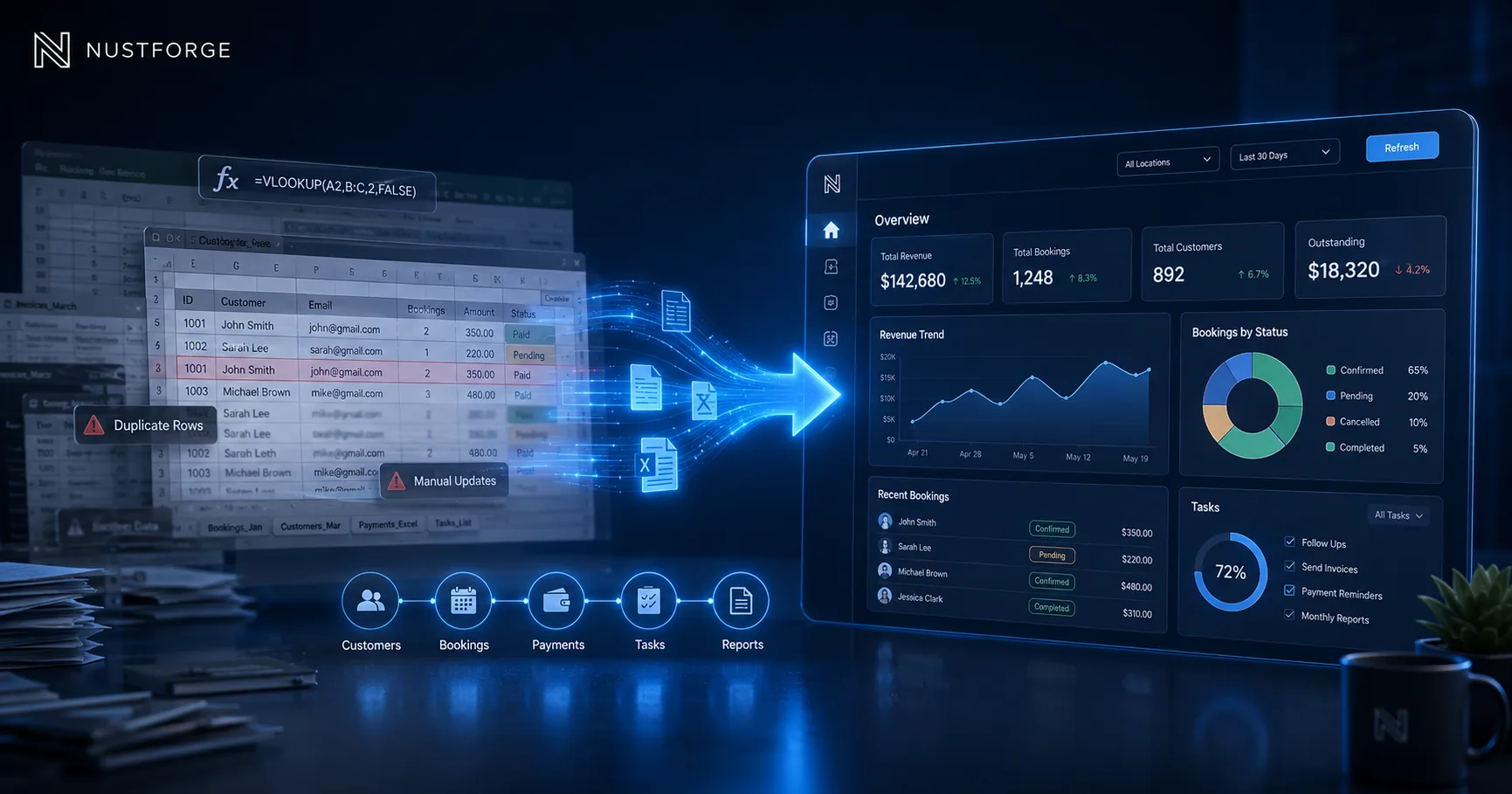
Business Automation
When Should Your Business Move from Spreadsheets to a Dashboard?
Learn when spreadsheets become risky and when a custom dashboard, portal, or internal tool can improve reporting, workflows, and team visibility.
Read articlePlan a realistic first version
Need a clearer estimate for your software idea?
Share your users, workflows, essential features, integrations, and timeline so NUSTFORGE can help define a practical first scope.