
Data Migration & Systems
Excel to PostgreSQL Migration: A Practical Business Data Migration Guide
How to safely transition mission-critical business spreadsheets into normalized PostgreSQL relational databases: data profiling, schema design, ETL, validation, and rollback safety.
On this page
Quick answer
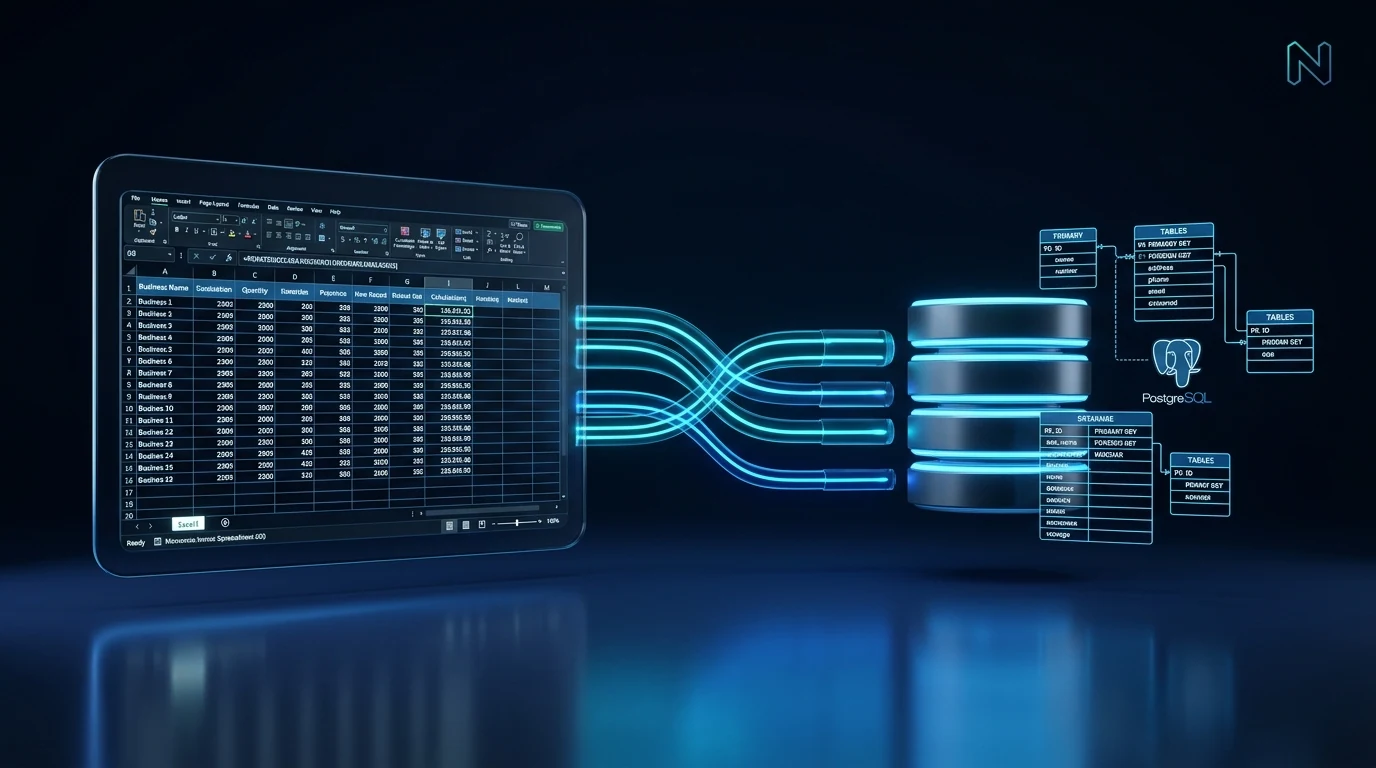
Migrating core business operations from Excel spreadsheets to a normalized PostgreSQL database eliminates formula errors, protects against catastrophic data loss, enables multi-user concurrency, and unlocks custom web application development.
A successful spreadsheet migration follows four disciplined phases: 1) Data profiling and anomaly detection; 2) Relational schema design (normalizing unstructured spreadsheet tabs into 1NF, 2NF, and 3NF tables with foreign keys); 3) Automated ETL (Extract, Transform, Load) scripting with type casting and validation; and 4) Parallel run reconciliation before spreadsheet deprecation.
Never attempt a manual copy-paste migration. Automated scripts ensure repeatable, auditable data transfer with complete rollback capabilities.
Phase 1: Data profiling and normalization
Spreadsheets are inherently permissive: a single column intended for dates often contains formatted dates, text strings like 'Pending', empty spaces, or notes in parentheses.
Before writing database tables, run profiling scripts across existing Excel workbooks to identify: 1) Inconsistent date formats and corrupt timestamps; 2) Duplicate customer records; 3) Inconsistent spelling in categorical values; and 4) Orphaned rows.
Next, normalize the data structure. A single sprawling spreadsheet with 40 columns should typically be decomposed into 4 or 5 clean relational tables: e.g., customers, orders, order_items, payments, and audit_logs, connected via UUID primary keys and foreign key constraints.
Phase 2: Building the ETL migration pipeline
Extract, Transform, Load (ETL) should be executed via automated TypeScript or Python scripts rather than manual imports.
The extraction stage parses raw .xlsx files row by row using streaming parsers. The transformation stage cleanses each value: trimming whitespace, normalizing phone numbers to E.164 international formats, parsing dates to ISO-8601 UTC, and verifying required fields.
The loading stage executes inside a database transaction: if a single record violates a foreign key constraint or data check, the entire migration rolls back cleanly, preventing a corrupted partial import.
Phase 3: Validation, checksums, and parallel operation
Data validation is non-negotiable. After test migrations execute, run automated verification queries: 1) Row Count Reconciliation (verifying every input row is accounted for); 2) Financial Checksum Validation (verifying that the sum of revenue in PostgreSQL matches the spreadsheet total to the penny); and 3) Referential Integrity Checks.
Before permanently retiring legacy spreadsheets, run the new database alongside the old system in a 2-week parallel run. This allows your operations team to cross-verify reports and confirm that business logic produces identical, trustworthy outcomes.
How NUSTFORGE modernizes legacy business data
NUSTFORGE helps organizations safely liberate their operations from fragile spreadsheets and outdated manual systems.
We design clean, normalized PostgreSQL schemas, write resilient automated migration pipelines, and build custom web dashboards that give your staff a modern, intuitive interface for managing daily data.
Whether you have 500 rows or 500,000 records across dozens of spreadsheet tabs, we ensure zero data loss, rock-solid security, and a seamless operational transition.
Continue reading
Related software guides.
Business Software
Custom Business Dashboards: Features, Architecture and Development Considerations
Discover when to transition from spreadsheets to custom business dashboards, key architectural layers, real-time KPI pipelines, role-based access control, and TCO.
Read article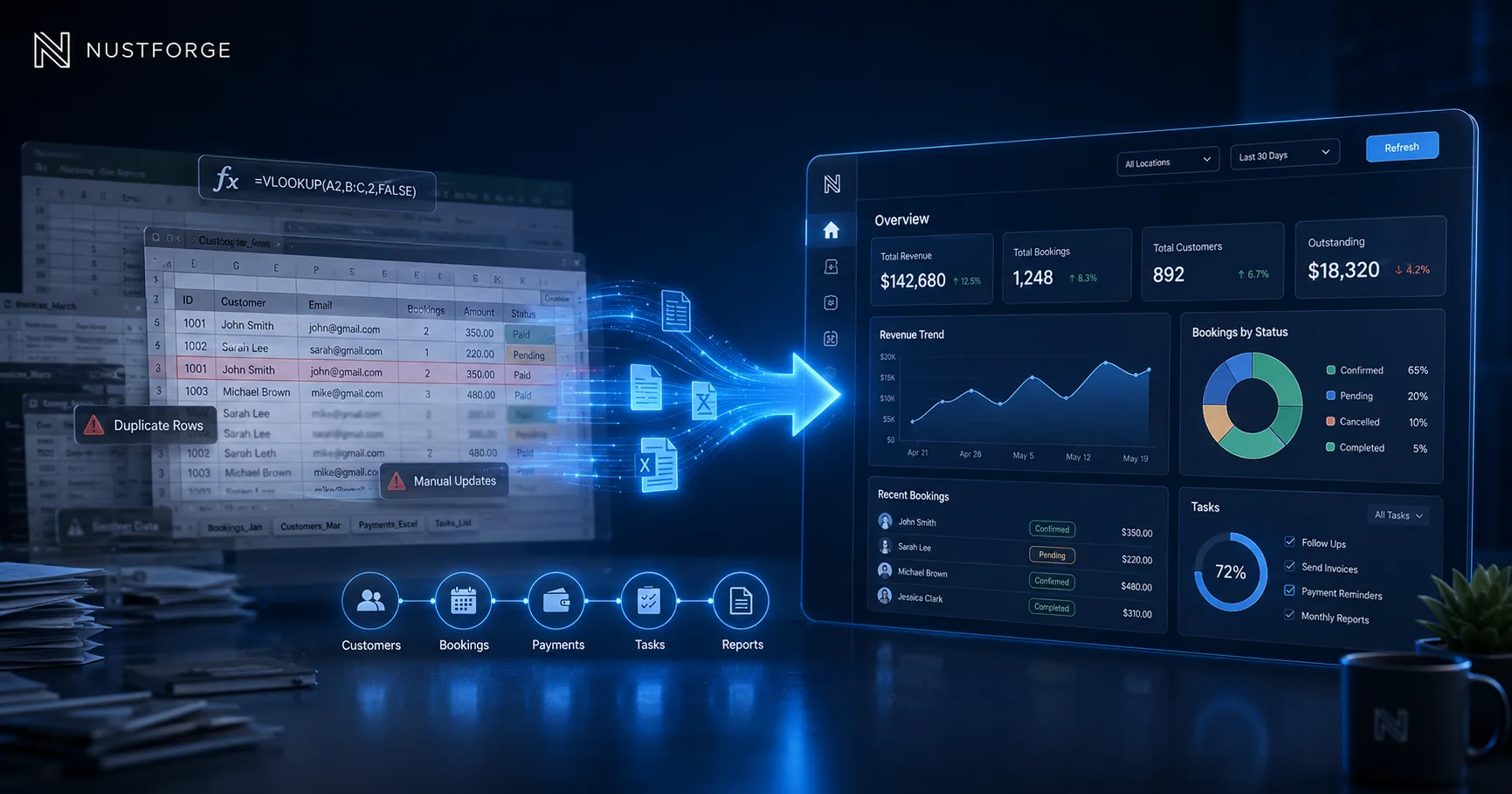
Business Automation
When Should Your Business Move from Spreadsheets to a Dashboard?
Identify when spreadsheets cause data errors and slow down operations, and learn when a custom dashboard delivers the role permissions and visibility you need.
Read article
Software Maintenance
Software Maintenance Contracts: Scope, SLAs, Security and Long-Term Support
What businesses must know about software maintenance: corrective vs preventive updates, SLA response times, dependency vulnerability patching, disaster recovery, and retainer agreements.
Read articleMigrate your business data
Ready to replace fragile spreadsheets with a secure relational database?
NUSTFORGE structures, migrates, and validates company spreadsheet data into high-integrity PostgreSQL systems.